
What Is a Court Docket in Franklin County
A docket is the court's running event list for a case. In Franklin County, docket entries may show filings, motions, notices, hearing settings, continuances, orders, judgments, dispositions, and appeal activity. The docket helps a user see what has happened and what is scheduled next. It does not always provide the full text of every filing or the certified copy needed for legal use.
Franklin County dockets sit within North Carolina's unified General Court of Justice. Superior Court dockets cover felonies, larger civil cases, and appeals from District Court in many matters. District Court dockets cover misdemeanors, traffic infractions, small claims, family, juvenile, domestic, and magistrate-related matters. Magistrates are part of the District Court Division. Town police can issue citations or make arrests, but there is no separate municipal court docket system for Franklin County cases.
The state hierarchy source for Franklin County docket routing is the NC Judicial Branch courts page.
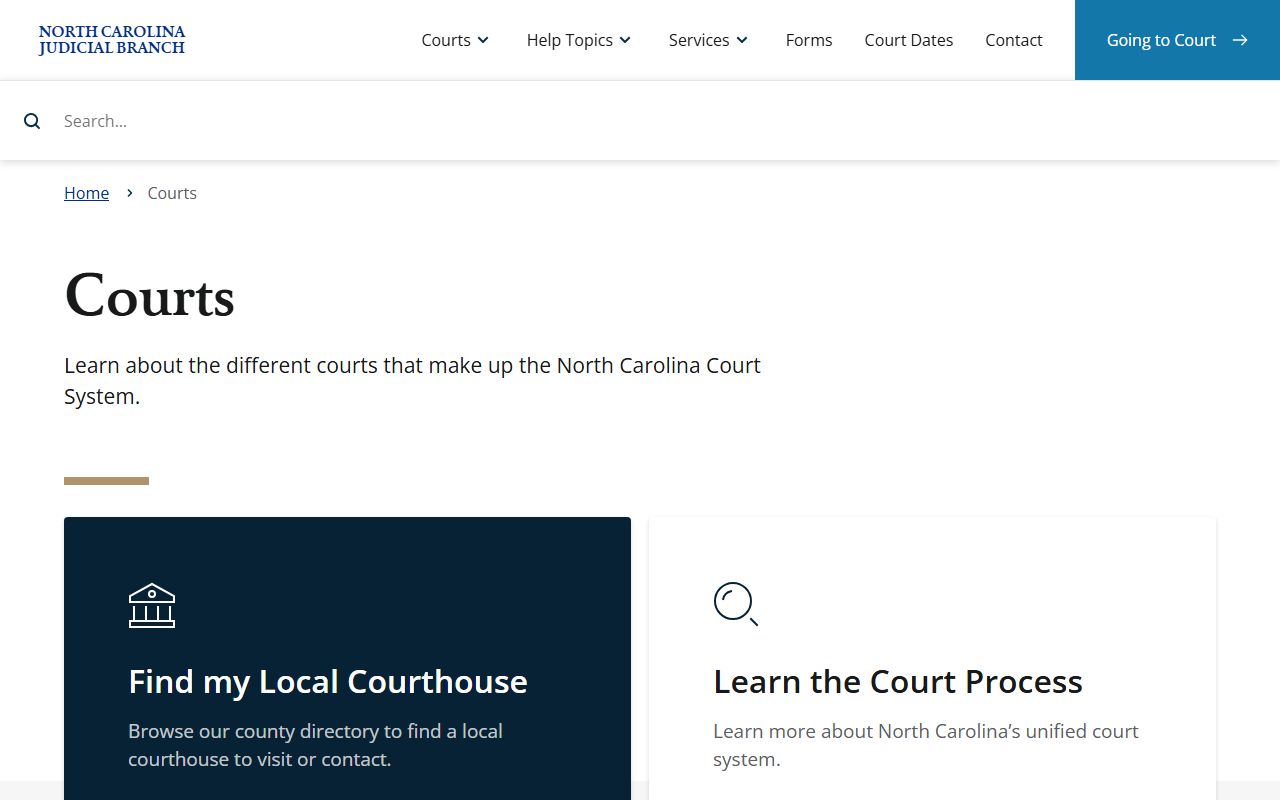
The hierarchy explains why local dockets are filtered by Superior Court, District Court, hearing type, and county rather than by a separate county court.
How to Find Franklin County Dockets Online
The main online channel for Franklin County court dockets is NC eCourts Search Hearings. Search Hearings is built for court dates and hearing information. Smart Search can also show docket and case-event information, but Search Hearings is the more direct tool when the question is where and when a case is set. Select Franklin County as the location before relying on the results.
- Open Search Hearings in NC eCourts and choose Franklin County as the location.
- Select a hearing type, such as civil, criminal, family, or probate or mental health.
- Choose the search type, such as case number, party name, business name, attorney, judicial officer, or courtroom.
- Enter the required name, case number, or other field, then review the hearing date, court location, and case reference.
- Use Smart Search when the docket timeline or case status is needed in addition to a hearing date.
Portal caveats apply to docket searches. JavaScript and cookies must be enabled. CAPTCHA may appear during use. If the system is down, a person is still responsible for appearing or paying as required, so the Clerk of Superior Court should be contacted when a deadline or hearing date cannot be confirmed online.
Franklin County Docket Search Fields
Search Hearings has a separate field set from Smart Search. It is designed to find court dates, not full case files. The most useful fields are county location, hearing type, search type, party name, case number, courtroom, and judicial officer. The static research did not capture a full sample hearing result, so the table uses the visible Search Hearings fields and the case-record fields documented in the research.
| Field | What It Does |
|---|---|
| Select Location | Limits hearing results to Franklin County or another North Carolina court location. |
| Select Hearing Types | Filters by all hearing types, civil, criminal, family, or probate or mental health. |
| Select Search Types | Allows lookup by case number, party name, business name, attorney, attorney bar number, judicial officer, or courtroom. |
| Sounds Like | Broadens a name search when spelling may vary. |
| Last Name / First Name | Required when searching for a party by name. |
| Judicial Officer | Supports docket searches tied to a specific judge or officer when that filter applies. |
The court-structure screenshot source is the North Carolina court structure overview.
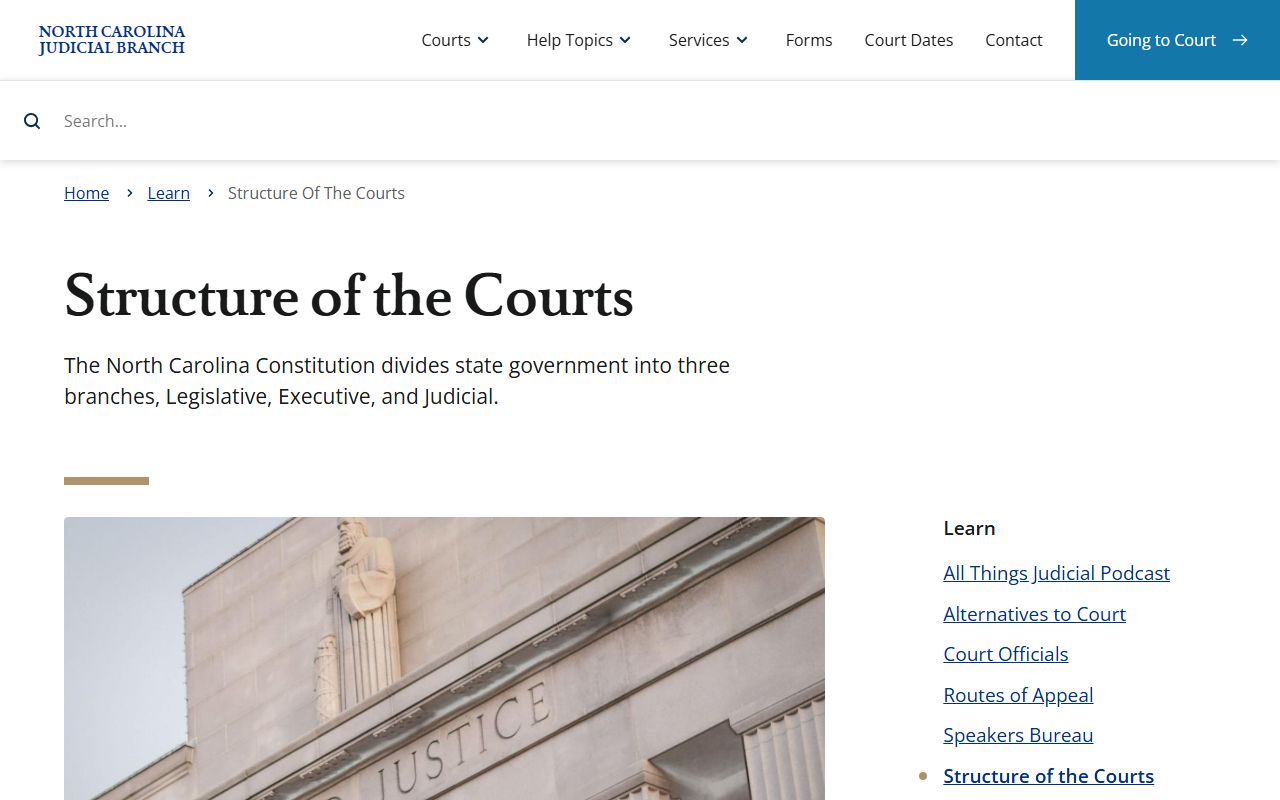
That structure is the reason Franklin County docket records are sorted through state court divisions rather than county-created courts.
Courts That Publish Dockets in Franklin County
Franklin County does not have county courts at law, justice of the peace courts, or separate municipal courts. Court dockets route through the statewide Superior Court and District Court divisions. Magistrate matters are part of District Court. The District Attorney, Guardian ad Litem, custody mediation, and community service contacts appear in the Franklin County court directory, but those offices do not create a separate public docket system.
- Superior Court dockets cover felony criminal cases, higher-value civil matters, and many appeals from District Court.
- District Court dockets cover misdemeanors, infractions, traffic, domestic, juvenile, small claims, and magistrate matters.
- Probate or mental health hearing searches may appear in Portal, but detailed guardianship, incompetency, and mental health records may be restricted.
- Federal dockets are separate and are not Franklin County state court dockets.
Guardianship is a good example of a docket category that may be visible as a hearing type while the underlying record has limits. The source image is the NC Judicial Branch guardianship help topic.
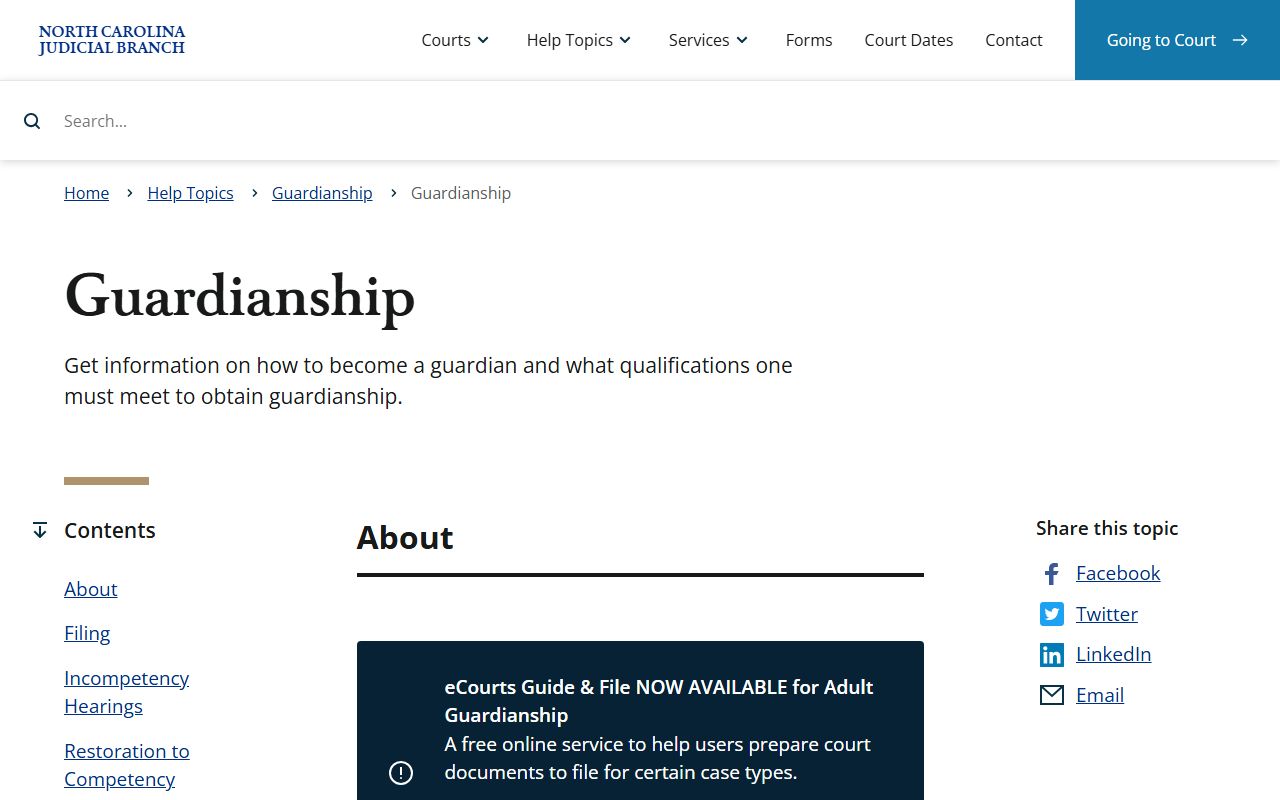
Guardianship and incompetency matters are heard by the clerk or assistant clerk, but public access can be narrower than the hearing label suggests.
Docket vs. Full Case Record
A docket is a timeline. A full Franklin County court record is the file behind that timeline. The docket may tell a reader that a motion was filed, a hearing was continued, or a judgment was entered. The file may contain the motion, order, judgment, service return, exhibit, or sentencing document. Portal can help identify the case and event history, but certified and complete copies come from the Clerk of Superior Court.
| Docket | Full Case Record | |
|---|---|---|
| Format | Chronological list of events and hearings. | Case file with pleadings, orders, notices, judgments, and other papers. |
| Access | Search Hearings and Smart Search may show case and hearing information. | The clerk provides official copies and older or non-digitized records. |
| Use | Track court dates, status, continuances, and disposition. | Review legal documents, certified records, sentencing papers, or estate filings. |
| Limit | Does not prove the full contents of the file. | May include confidential, sealed, redacted, or restricted material. |
Electronic filing can add events to a docket. The source image is the File & Serve training and resources page.
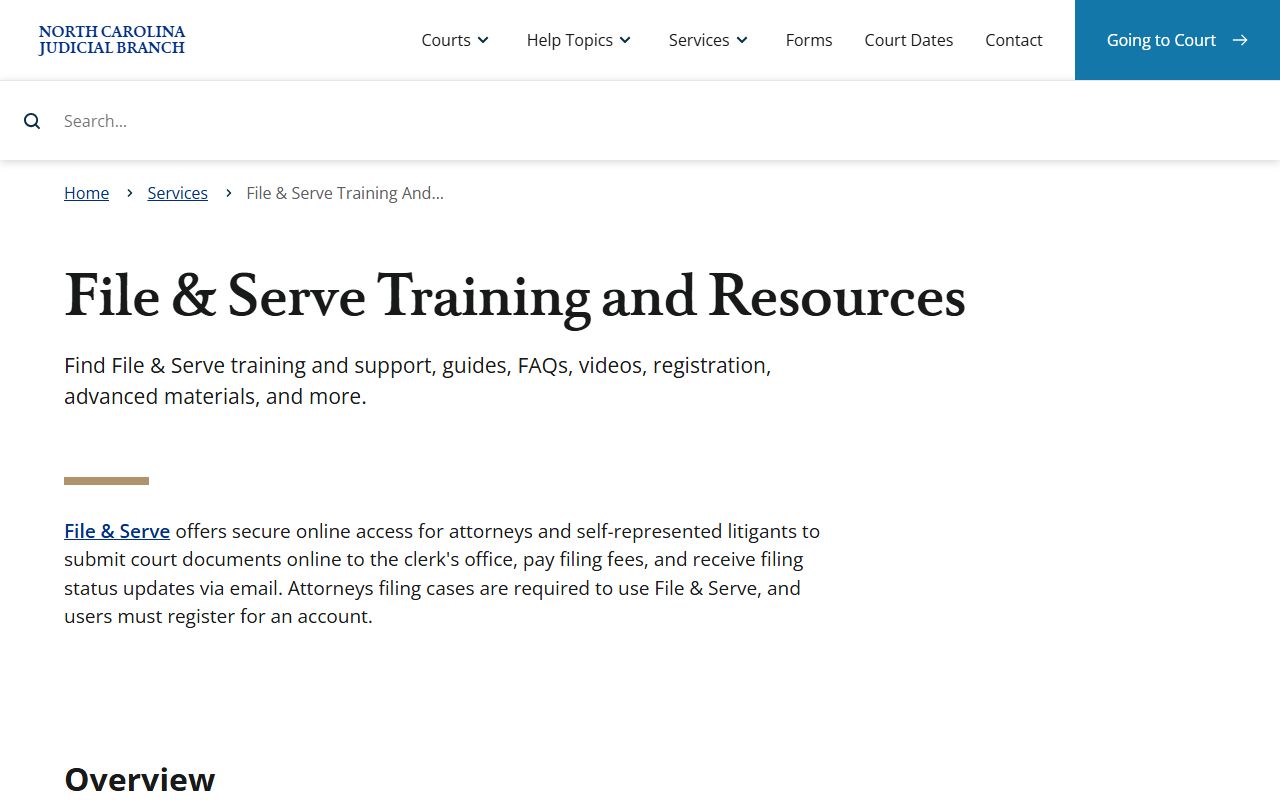
File & Serve is part of the eCourts change that affects how filings appear in Franklin County case activity.
How to Read a Franklin County Docket
Read a Franklin County docket in order. Start with the case number, party names, court division, case type, and file date. Then move through the entries by date. A motion is a request for a court order. An order is the written direction from a judge, clerk, or other judicial officer. A disposition is the outcome of a charge, claim, petition, or case. A continuance usually means the hearing was moved rather than finished.
Criminal dockets need extra care. A charge is an accusation, not a conviction. A docket can show charges that were dismissed, amended, reduced, or resolved by plea or trial. For the full criminal case file and sentence, use Franklin County criminal court records. For a closer look at arrest-to-charge records, use Franklin County arrest records and charges.
Expunction can remove eligible criminal records from ordinary public access. The source image is the NC Judicial Branch expunction help topic.
If a docket entry no longer appears after an expunction order, ordinary public lookup may not show the prior case activity.
Note: Always confirm a current Franklin County court date with Portal or the clerk before relying on an old docket printout.